Lifelog for Saudi teams
The Saudi-built AI Work OS for everyday work.
Lifelog is a local-first AI layer for Windows that turns meetings, messages, files, emails, calendars, browser activity, and work context into summaries, reports, follow-ups, handovers, decision logs, and Arabic executive briefings.
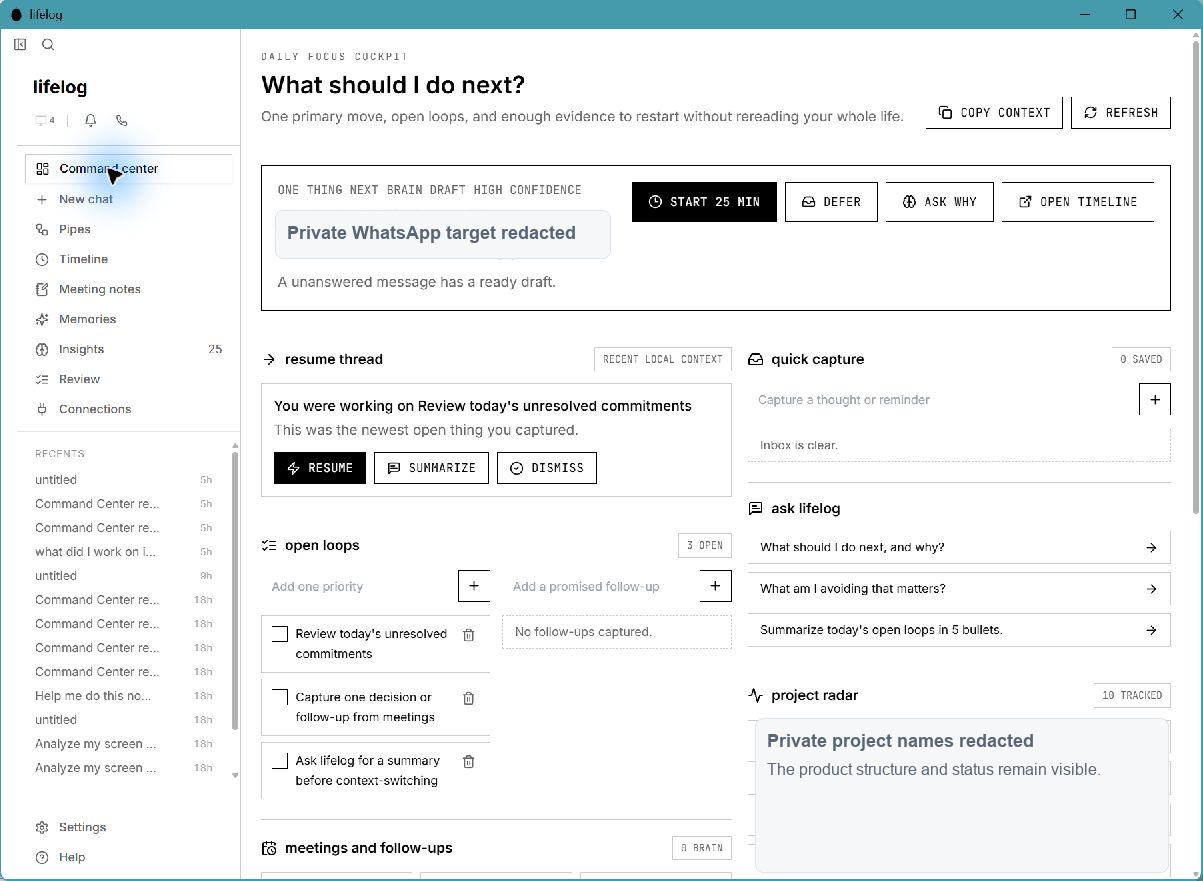
Runs above
Windows work tools
Starts with
Local work context
Produces
Useful work outputs
No workflow rebuild. No prompt-engineering training. Start with the tools your team already uses.
What is Lifelog?
Lifelog is not another chatbot. It is a work memory layer.
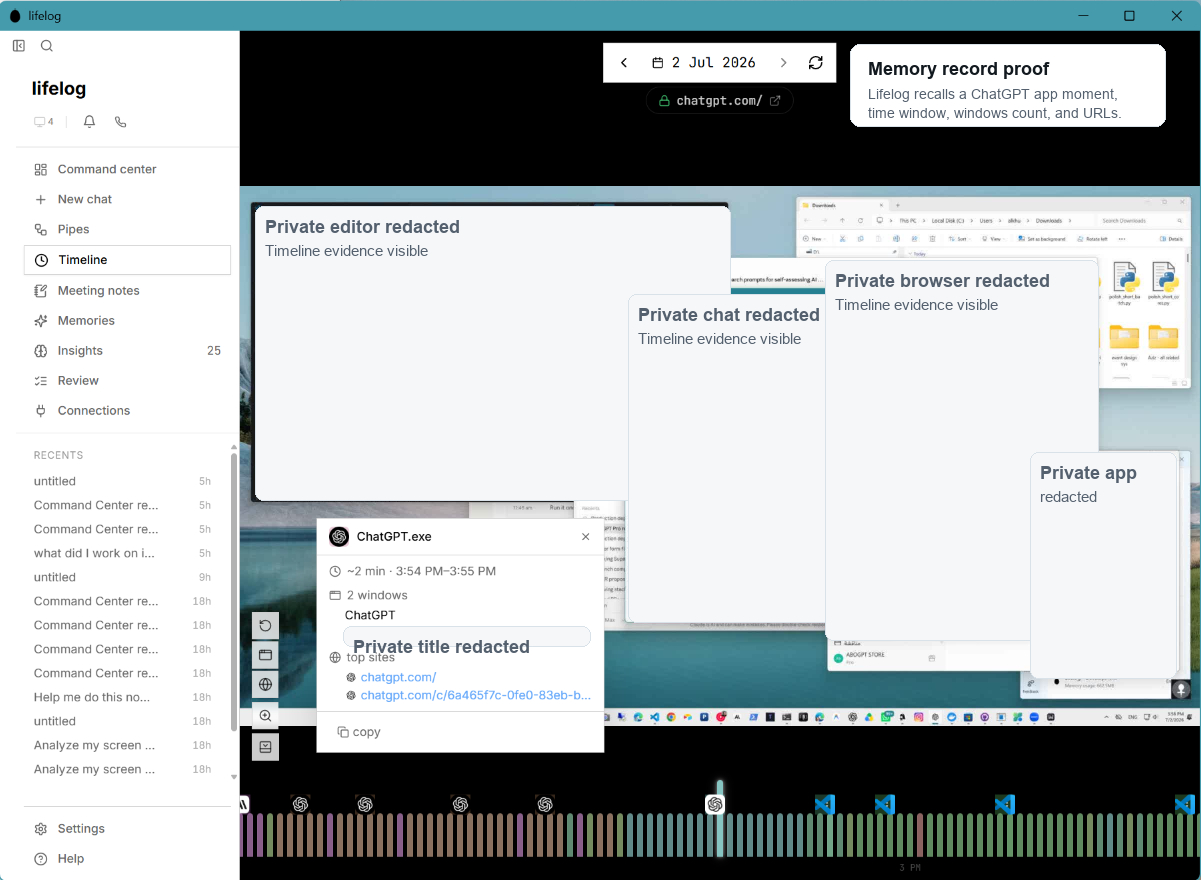
Most AI tools wait for the user to write a prompt. Lifelog starts from real work context. It captures, indexes, retrieves, and structures daily work activity locally, then uses local or organization-approved AI models to produce useful work outputs.
Capture context
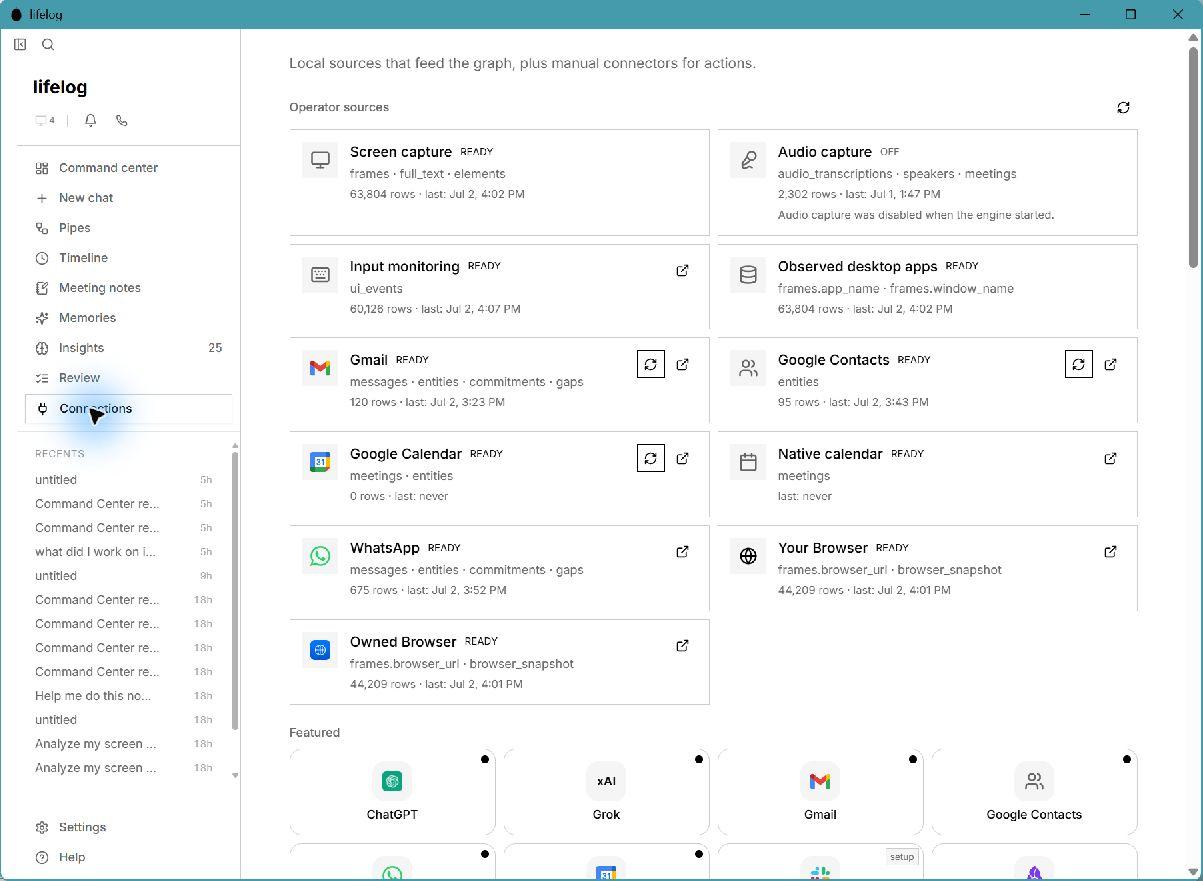
Meetings, apps, browser activity, WhatsApp, email, calendar, files, screen activity, and optional audio.
Understand work
Local indexing, search, retrieval, project and person classification, and source evidence.
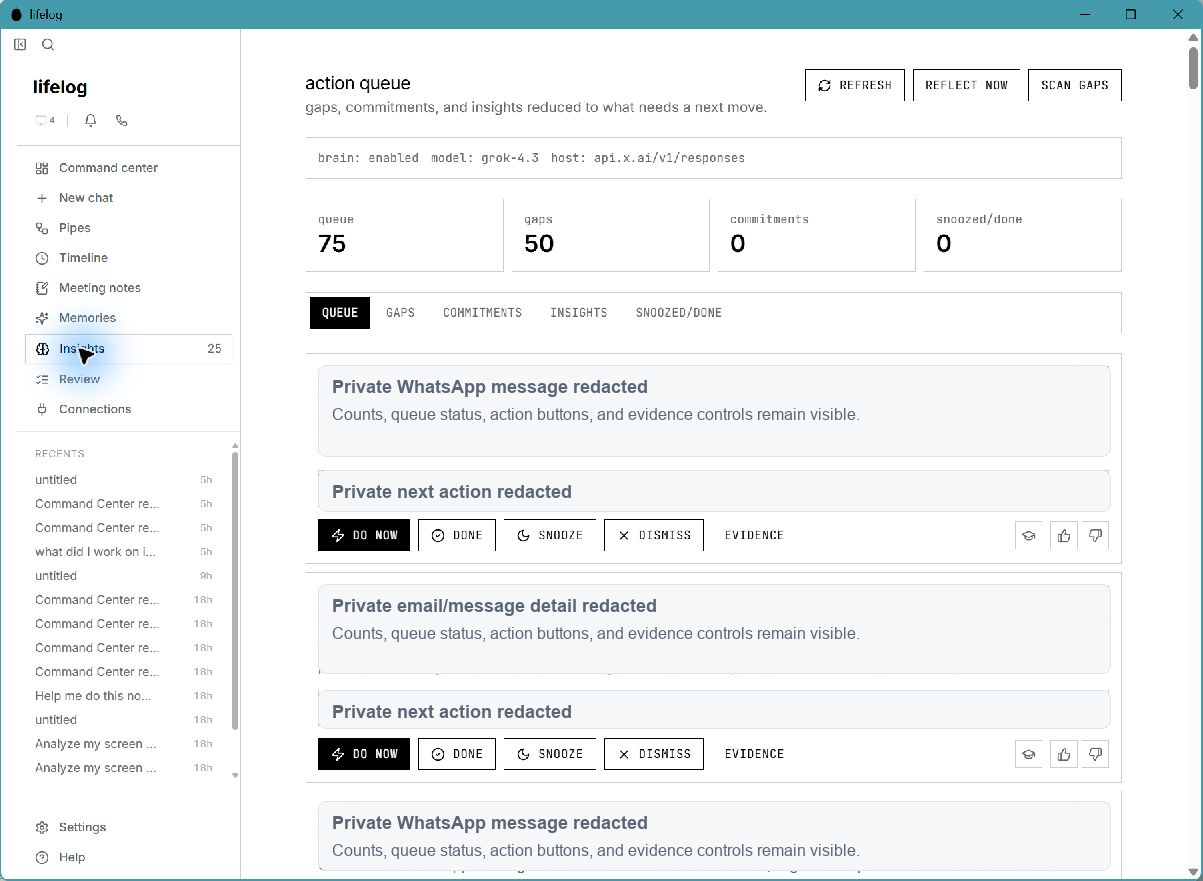
Produce outputs
Meeting minutes, weekly reports, follow-ups, draft replies, handovers, decision logs, executive briefings, and audit trails.
Universal workflow
AI adoption through buttons, not prompts.
Most workers do not need to become AI experts first. They need familiar actions that save time immediately.
- Summarize this.
- Export a report.
- Draft a reply.
- Find the evidence.
- What did I promise?
- Who needs follow-up?
- What changed this week?
- Prepare me for tomorrow.
- Turn this into a handover.
- Create meeting minutes.
- Build a manager update.
- Show risks and missing items.
Pilot path
Start AI adoption without a heavy transformation project.
Traditional enterprise AI adoption often requires new SaaS procurement, cloud reviews, integrations, data migration, API spending, user training, and workflow redesign. Lifelog can start lighter: install on existing Windows PCs, choose a local/private model mode, enable approved capture sources, select templates, and begin with universal workflows.
| Traditional AI rollout | Lifelog first pilot |
|---|---|
| New SaaS procurement | Windows app installation |
| Cloud-first risk review | Local/private mode available |
| Data migration | Works above existing tools |
| Deep integrations | Capture and indexing first |
| Prompt training | Buttons and templates |
| Expensive model APIs | Small/local/private models for first workflows |
| Workflow redesign | Employees keep normal work habits |
Lifelog first ROI can come from reducing manual reporting, missed follow-ups, meeting-note writing, handover preparation, duplicated search, and status chasing.
Local and private AI
Built for local and private AI adoption.
Lifelog captures and structures work context before the model is asked to reason. The AI does not need to know everything. It only needs to work over the right retrieved evidence.
Fully local model
Runs on the user PC for sensitive or simple workflows.
Organization-hosted private model
Runs inside company or public-sector infrastructure.
Selected cloud endpoint
Uses a provider endpoint chosen by the organization.
Hybrid model routing
Local for sensitive tasks, stronger selected models for complex tasks.
Good local/private model tasks
- • Meeting notes and summaries
- • Action items
- • Weekly reports
- • Arabic briefings
- • Follow-up extraction
- • Decision logs
- • Handover documents
- • Policy and document Q&A
- • Form filling
- • Draft replies
Saudi public sector
Practical AI adoption for Saudi public-sector work.
Government work is meeting-heavy, document-heavy, coordination-heavy, and accountability-heavy. Lifelog helps teams turn real work context into weekly reports, leadership briefings, decision logs, handovers, meeting minutes, and follow-up trackers.
- • Auto-generate weekly department reports.
- • Prepare leadership briefings.
- • Track interdepartmental commitments.
- • Create evidence-backed decision logs.
- • Produce employee and project handovers.
- • Summarize circulars, policies, meetings, and documents.
- • Use local/private AI modes for sensitive workflows.
Saudi private sector
An AI operations brain for Saudi businesses.
Many Saudi businesses run on relationships, WhatsApp, meetings, files, payments, suppliers, and owner memory. Lifelog turns that scattered context into follow-ups, reports, reminders, draft replies, and searchable business memory.
- • Customer promise tracking.
- • Payment and invoice follow-ups.
- • Supplier issue memory.
- • Sales opportunity reminders.
- • Daily owner summary.
- • Proposal and meeting preparation.
- • Simple CRM-like memory without forcing a CRM rollout.
Experienced workers
Turn experienced workers into AI power users.
Saudi organizations hold decades of institutional knowledge inside experienced employees. Lifelog helps those workers use AI without learning prompts. They review, correct, approve, and improve outputs. Over time, their judgment becomes reusable organizational memory.
The worker with 20 years of experience should not be left behind by AI. They should become one of its most valuable trainers.
Feature roadmap
Highest-ROI workflows to build first.
01
Meeting Summary
Minutes, decisions, owners, deadlines, and next steps.
02
Daily Work Summary
What happened today across work tools.
03
Weekly Manager Report
Achievements, delays, risks, and next actions.
04
Follow-up Detector
Missed replies, aging commitments, unanswered messages.
05
Evidence-backed Decision Log
Decision, context, rationale, participants, and sources.
06
Handover Generator
Clean transfer package for employees, projects, and operations.
07
Arabic Executive Briefing
Concise Arabic leadership summary from messy work context.
08
Policy and Document Q&A
Ask questions over local PDFs, policies, contracts, and manuals.
09
Sensitive Mode
Local-only processing, ignored apps, redaction, and no external sharing.
10
Training Mode
Experts approve and correct outputs to create reusable knowledge.
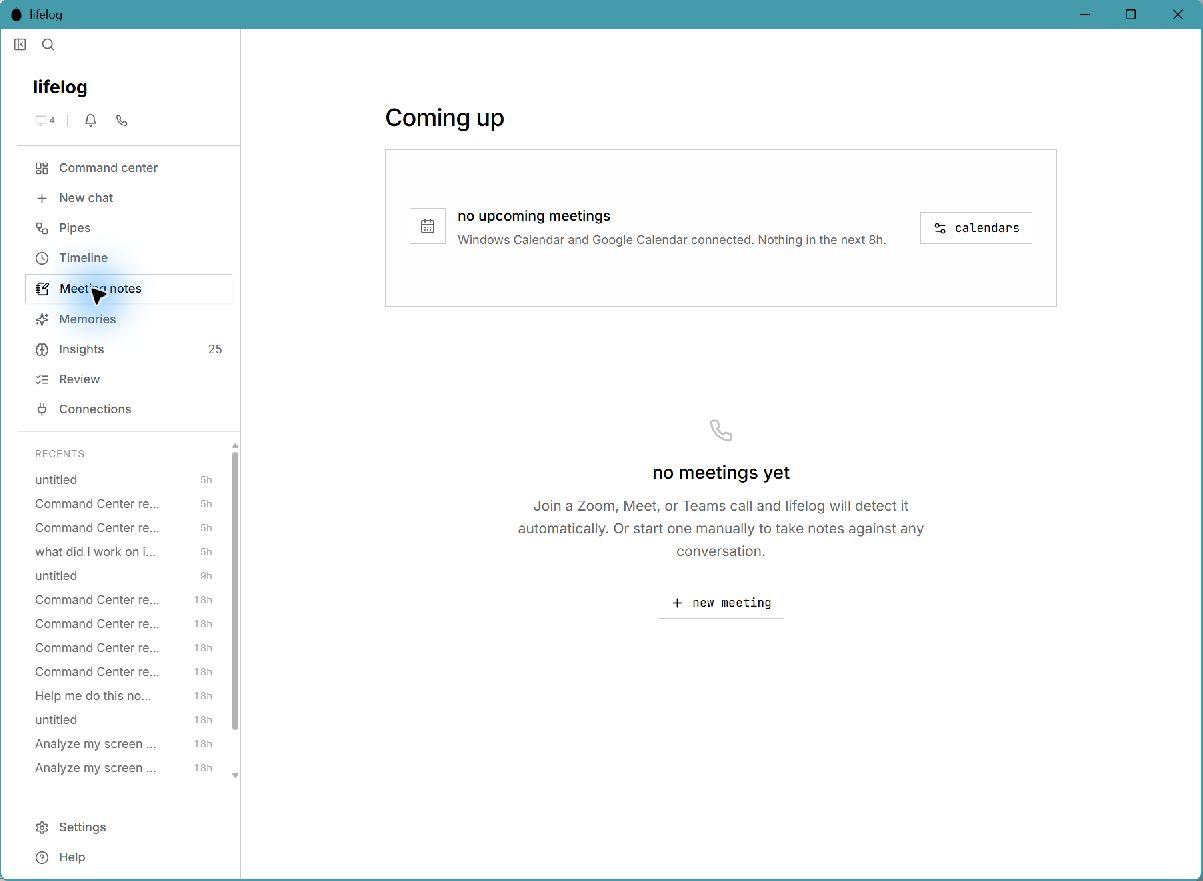
This meeting screenshot is intentionally framed as a notes surface, not as proof of generated meeting minutes yet.
Sector packs
One memory layer, many Saudi workflows.
Government ministries
Weekly reports, leadership briefings, decision logs, handovers, policy summaries, and interdepartmental follow-ups.
Municipalities
Citizen issue follow-ups, site visit summaries, contractor notes, permit tracking, and operational reports.
SMEs and family businesses
Customer promises, payment follow-ups, supplier memory, sales opportunities, and daily owner summaries.
Legal offices
Matter summaries, client follow-ups, deadline extraction, case handovers, and confidential local/private AI.
Clinics
Non-clinical admin summaries, staff coordination, supplier follow-ups, insurance/admin tasks, and policy checklists.
Construction and real estate
Site meeting notes, contractor follow-up, change-order evidence, project reports, and handover packages.
Finance and audit
Missing-document tracking, audit evidence summaries, client status updates, and month-end checklists.
HR and operations
Interview summaries, onboarding handovers, policy Q&A, training reports, and internal request follow-ups.
Governed adoption
Designed for governed AI adoption.
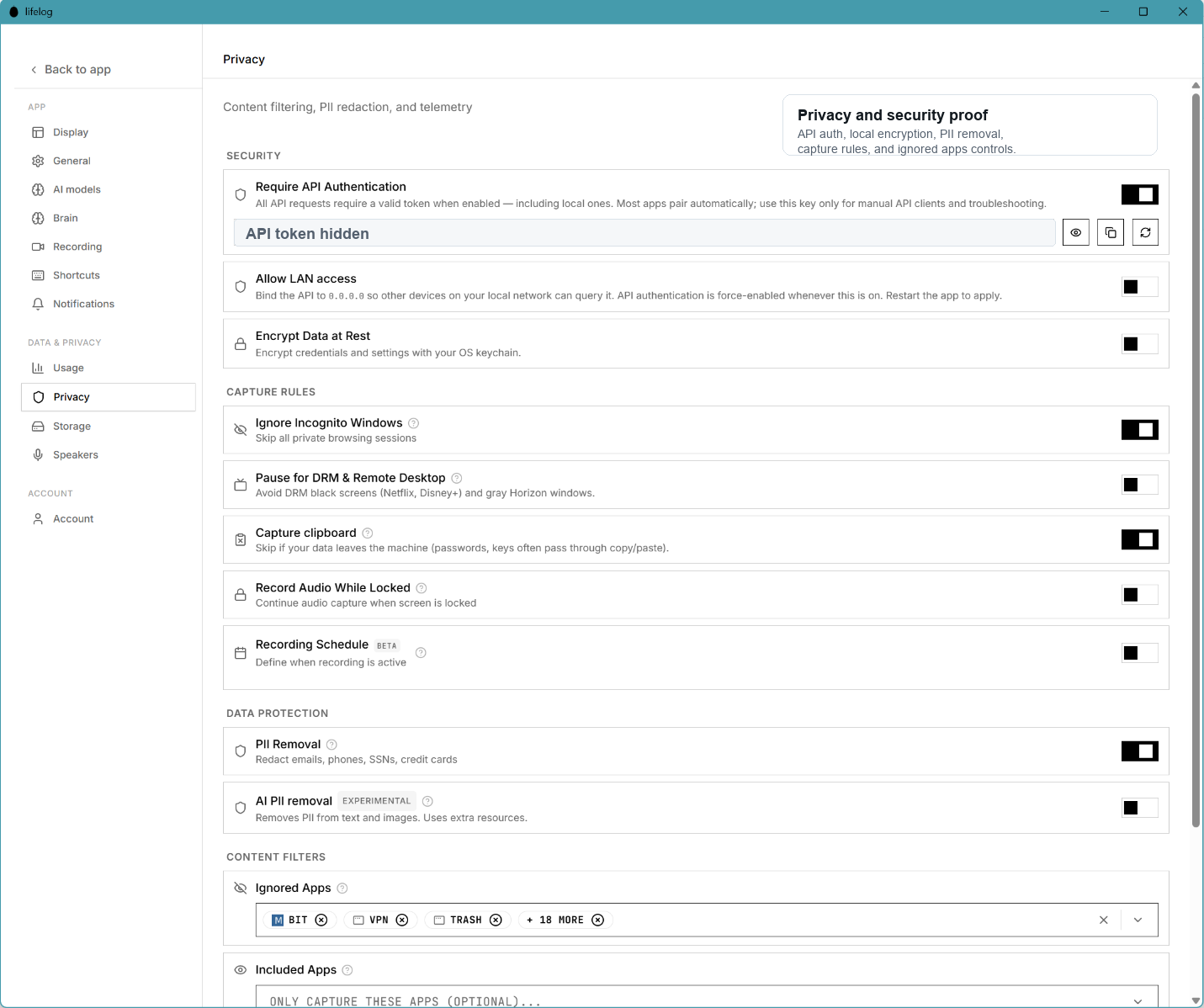
Lifelog should be deployed with clear capture permissions, local storage controls, ignored apps, redaction, retention rules, human approval, source evidence, and audit trails. For sensitive sectors, local-only or organization-hosted AI modes can reduce uncontrolled data exposure.
Clear capture permissions
Local storage controls
Ignored apps
Sensitive-data redaction
Retention rules
Human approval before export
Source evidence
Audit trails
Lifelog should not imply formal approvals or official status until those are actually obtained. The defensible position is that the product is designed to support governance, privacy, and auditability.
Part 1
10 to 30 users
Part 2
Existing Windows devices
Part 3
Local/private model mode
Part 4
Approved capture sources
Part 5
Human review
Part 6
Audit trail
Part 7
Weekly success metrics
30-day pilot
Start with a 30-day AI productivity pilot.
Test Lifelog on existing Windows laptops with three universal workflows: meeting summaries, weekly reports, and follow-up detection.
FAQ
Questions teams ask before the first pilot.
Is Lifelog replacing Windows?
No. Lifelog is not an operating system replacement. It is an AI work layer that runs above Windows and helps turn existing work activity into useful outputs.
Do users need to learn prompt engineering?
No. Lifelog is designed around familiar actions like summarize, export report, find follow-ups, prepare briefing, and create handover.
Does data have to leave the user device?
Not necessarily. Lifelog can support local, organization-hosted, selected cloud, or hybrid AI model modes depending on the organization policy.
What is the best first pilot?
The strongest first pilot is 10 to 30 users on existing Windows laptops using three workflows: meeting summary, weekly report, and follow-up detector.
Is Lifelog for government or private sector?
Both. The first layer is universal: summaries, reports, follow-ups, handovers, decision logs, briefings, and evidence search. Sector packs can be added later.